New: Why Developer Marketing Exists

< Inside my developer marketing stack />

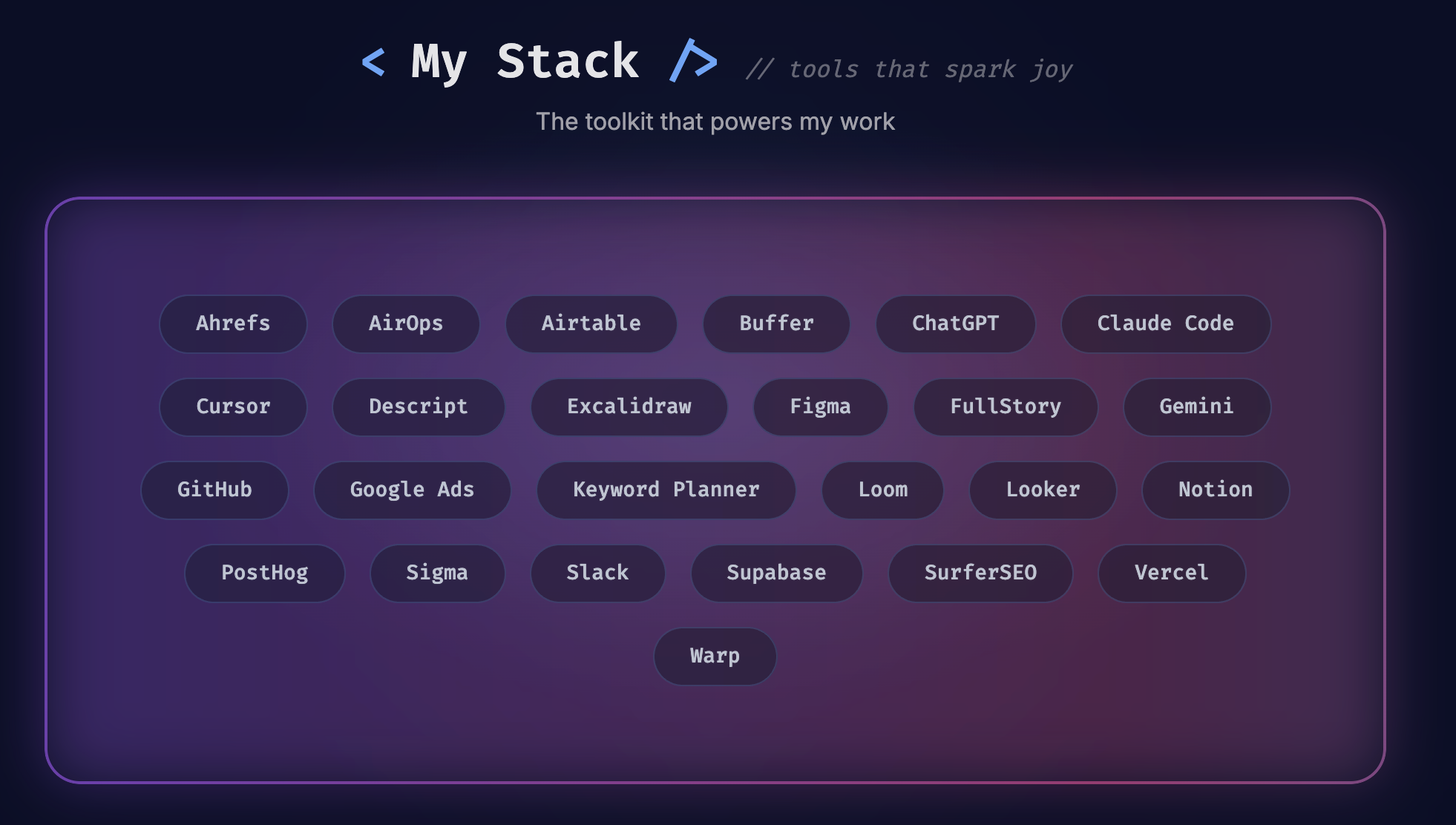
My_Stack.png

Every builder has a rhythm to how they build. For me, that rhythm lives somewhere between code and content, the overlap where developer marketing happens. These tools help me stay organized, move faster, and keep projects on track without overcomplicating the work.

IDE

Cursor is now my main workspace after years in VS Code. They share the same foundation and extensions, but Cursor feels like where things are moving.

  • Same integrations and ecosystem as VS Code
  • Familiar setup that just works
  • AI that’s advancing faster than VS Code, which is surprising since GitHub built Copilot first
  • I pair it with Claude Code in the terminal for context, explanations, and large-scale debugging when I need deeper insight

It’s less about what’s new and more about pace. Cursor feels like it’s evolving while VS Code feels like it’s coasting.

AI chat tools

ChatGPT is my go-to for projects, building custom GPTs, and setting up connectors or integrations. I also use it for content curation when I’m gathering examples or early research.

Gemini handles search and visual creation. Its new Nano Banana feature makes generating visual references surprisingly quick.

Right now, both tools serve different purposes, but my guess is Gemini eventually edges out OpenAI. We’ll see.

Design and visual thinking

Figma is where I build and prototype designs. I don’t use its AI features, they’re still behind the curve. What makes it useful is how quickly I can move from layout ideas to something ready for production. Components, variables, and shared libraries keep everything consistent without extra effort.

Excalidraw is where I whiteboard. I sketch flows, map systems, and rough out diagrams before anything formal. A cheat code I use is generating Mermaid diagrams in ChatGPT to get a starting point, then rebuilding them in Excalidraw to make them clearer and more visual.

Analytics stack

A big part of developer marketing is understanding how people use what you build. These tools help turn product usage into insight.

  • PostHog for web analytics, event tracking, and session replay
  • FullStory for journey mapping and deeper behavioral insights
  • Sigma for the full view, from lead tracking to closed-won pipeline reporting
  • Looker for clean visualization and quick summaries

There isn’t one analytics platform that does everything well. A mix is usually the reality, and this is the combination that works for me.

Marketing and SEO stack

This is the set of tools I rely on to manage search, automation, and content performance. Each one plays a different role, from tracking technical SEO to finding new opportunities and testing campaigns.

  • Ahrefs is my go-to for monitoring technical SEO, tracking backlinks, and doing competitive keyword research or content gap analysis
  • SurferSEO helps grade keyword-focused content and tighten on-page structure before publishing
  • Google Keyword Planner is great for generating new ideas based on topics or URLs and gives solid monthly search volume data
  • Google Ads still earns its place, paid search still works, especially in developer marketing where people search everything (even Bing)
  • AirOps is a newer tool I’ve been using for automation workflows, from competitive intel to content research, all built through AI
  • Buffer is my social tool of choice, mainly because its free tier goes further than most and supports multiple platforms without friction
  • Common Room helps track and understand community activity across social, forums, and other developer channels.

This stack helps me connect research, creation, and distribution. It’s about staying close to what works and improving a little with each iteration.

Sales and enablement stack

This is where product knowledge turns into enablement.

  • Gong for reviewing customer calls and spotting themes that shape positioning and messaging
  • WorkRamp for internal education and onboarding content, keeping sales and marketing aligned on what’s new
  • Figma Slides for building presentations with real design flexibility. It feels like designing, not fighting templates.
  • Arcade for creating interactive product demos that help explain features in context without heavy editing or production time

They keep information flowing and teams aligned on what actually matters, the customers using the product.

Collaboration stack

Collaboration works best when it’s async, not noisy.

  • Notion is where I write everything, content drafts, specs, notes, and ideas. It’s underrated for collaboration and perfect for pulling in code snippets or assets. People think they need Google Docs, but they’re wrong.
  • Airtable is a dream for anyone who loves spreadsheets. It’s flexible, visual, and great for tracking content and projects. I’ve been a fan since day one, even if not everyone adopts it.
  • Slack is the only real choice for team communication. I live and die by the save-for-later feature, and the new canvas tools are great for organizing thoughts. Don’t at me with Microsoft Teams.
  • Loom is the best way to explain anything on video. It’s perfect for walkthroughs, feedback, or education. The editing tools are ok, not Descript-level, but work well enough. The AI still has some catching up to do.

This stack makes it easy to share work, document ideas, and keep everyone aligned without the constant back-and-forth.

Developer and Data Stack

This is where projects take shape.

  • GitHub for version control and collaboration
  • Supabase for quick databases and APIs
  • Vercel or Netlify for deployments
  • Warp for a cleaner, more visual terminal

It’s a reliable setup that scales smoothly and keeps development fast without adding unnecessary infrastructure.

Closing Thoughts

These tools have stuck because they make the work smoother. They cover everything I need to build, write, and collaborate without slowing things down.

The stack will keep changing, but the goal won’t.

Handbook
Developer Marketing Handbook

Goals

Developer marketing builds trust first, pipeline second.
The work connects your product to how developers actually build and helps that credibility translate into adoption and revenue.

A great developer experience is the foundation. It starts with discoverability, continues through docs, and carries into the product itself. Good documentation shortens time to value and builds confidence that your product can scale with real teams. Developers trust what they can inspect, so show how the product works and let the system speak for itself.

Success isn't clicks or vanity metrics. It's measurable engagement that creates product-qualified leads, builds influence across teams, and contributes to both product-led and sales-led growth.
When developers use your product by choice and advocate for it inside their company, you've done the job right.

Strategy

Start with reality, not aspiration.

Map where your product fits in the developer workflow, then help them do that job faster or with less friction.

Lead with clarity. Explain what it is, what it does, and why it matters.

Show the system behind the product. Architecture, examples, and tradeoffs explain more than positioning ever will.
If you can do it in a clever or playful way that still feels authentic, that's bonus points.

The best developer marketing respects time, delivers value, and makes something complex feel obvious.

Journey

Awareness → Evaluation → Adoption → Advocacy.
Each stage should connect clearly to the next.

Awareness happens in places developers already spend time: GitHub, Reddit, newsletters, blogs.
Evaluation happens in your docs, demos, and sandboxes.

For most developers, the docs are the real homepage, so accuracy and structure matter more than polish.

Adoption depends on how fast they reach first success.
Advocacy is when they start teaching others what they learned from you.

Personas

Create personas based on who buys the product and who actually uses it. For example:

Buyers: CTO or Engineering Leader, Senior Engineer, Implementation Architect.
Users: Frontend, Full-stack, App Developer.
Adjacent: Ops, Product, Design.

Each persona has different pain points and goals.
CTOs and Engineering Leaders care about governance and ROI.
Senior Engineers look for performance, flexibility, and code quality.
Implementation Architects focus on how well a tool integrates and scales.
Write for what each person owns, not what you wish they cared about.

Messaging

Be clear first. Be clever only if it helps.
Make every message easy to scan. Lead with the point before expanding on it.
Good developer messaging is specific, practical, and rooted in how people actually build.

Clarity earns trust, but a bit of personality makes it stick.
The goal isn't to sound like marketing. It's to communicate something real that developers recognize and care about.

Build around three pillars:

  • Speed: faster builds, fewer tickets
  • Efficiency: consolidated stack, lower maintenance
  • Control: safe scale, long-term confidence

If you can back it with code, data, or proof, keep it.
If it only sounds good, cut it.

Campaigns

Treat campaigns like product launches.
Plan, ship, measure, repeat.

Each campaign should answer three questions:

  • What developer problem are we solving?
  • What proof are we showing?
  • What happens next?

Treat developer feedback like bug reports and close the loop quickly when something needs to be corrected or clarified.

Make it easy for developers to try, test, or share.
Run retros on every launch and capture what worked, what didn't, and what to change next time. Always learn from what you launch.

Content

Write with clarity and intention. Every piece should help developers build faster, learn something new, or solve a real problem.

Strong content earns attention because it's useful.
Lead with the outcome or insight, then show how to get there. Make it easy to skim from top to bottom.
Show working examples, explain tradeoffs, and include visuals or code where it helps understanding. If it doesn't teach or demonstrate something real, it doesn't belong.

Core content types

  • Blog posts: tutorials, technical breakdowns, or opinionated takes grounded in experience.
  • Guides and tutorials: step-by-step instructions that lead to a working result.
  • Integration or workflow content: explain how tools connect and where they fit in a developer's process.
  • Technical guides and code examples: deeper material for experienced readers who want implementation detail.
  • Explainer or glossary content: clear, factual definitions written to answer specific questions directly.
  • Video or live sessions: demos, interviews, or walkthroughs that show real workflows.
  • Research and surveys: reports or insights that help developers understand the state of their field.

Content strategy buckets

  1. Awareness — generate buzz and discussion. Hot takes, thought leadership, or topics that invite conversation.
  2. Acquisition — bring new developers in through problem-solving content. Tutorials, guides, and explainers that answer real questions.
  3. Enablement — help existing users succeed. Deep tutorials, documentation extensions, and practical how-to content with long-term value.
  4. Convert Paid — drive upgrades or signups. Feature-specific walkthroughs or advanced use cases that show value worth paying for.

Each piece should fit into one of these buckets and serve a clear purpose. Awareness earns attention. Acquisition builds trust. Enablement drives success. Convert Paid turns success into growth.

Clarity is the standard. Use it to earn credibility.

Community

Reddit. GitHub. Discord. Slack. YouTube and other social platforms.
Join conversations, don't start pitches.

Be helpful. Add context. Share working examples.
When your content becomes the answer people link to, you've earned credibility.

Metrics

Measure adoption and revenue, not reach.
Awareness is useful, but only if it drives activation or expansion.

Focus on signals that show impact:

  • Product or API usage
  • Time to first success
  • Product-qualified leads
  • Developer-influenced revenue
  • Retention and repeat engagement

The goal is to prove that trust earned from developers shows up later in product usage and revenue.

Developer Marketing Skill

I built a Developer Marketing Skill for Claude that helps evaluate content, strategy, and campaigns against the principles in this handbook.

Use it to stress-test messaging, review technical content, plan developer campaigns, or get feedback on positioning. It applies a "trust first, pipeline second" philosophy with an emphasis on clarity, technical credibility, and measurable engagement.

Need more resources?

Check out my curated collection of developer marketing tools, newsletters, and resources.

ESC